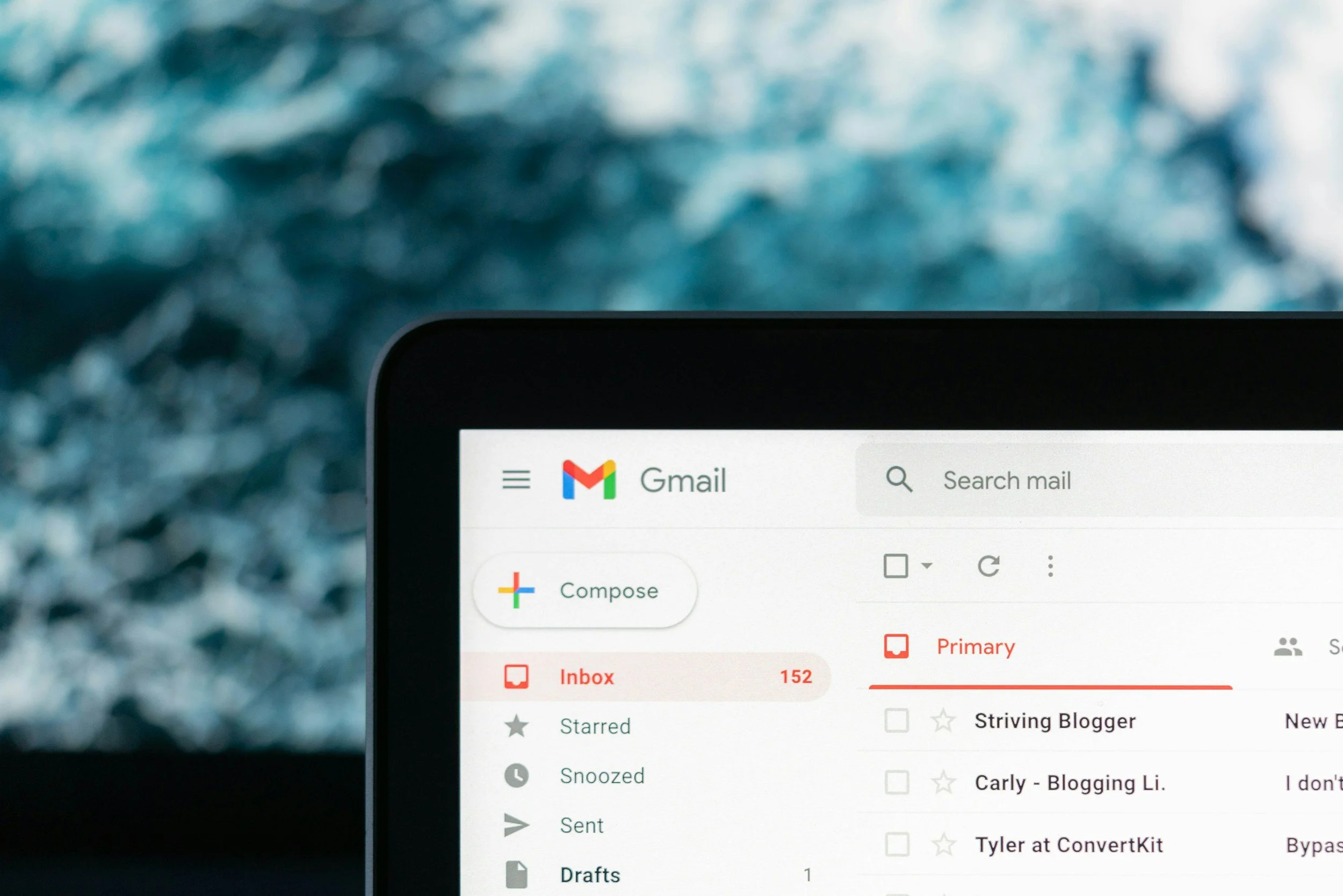
As a virtual assistant, I manage multiple email inboxes, and one of the easiest ways I stay organized is by treating each inbox like a to-do list.
Archive vs. Delete
My rule is simple: if an email doesn’t require a response, follow-up, or task completed, I archive it. The emails left in my inbox are things that still need my attention. Once I’ve responded, followed up, or completed the task, I archive the email. If it’s an email worth deleting, such as junk mail, best practice is to unsubscribe from the mailing list and then delete.
My Gmail Setup
I personally like using Gmail with separate Google Chrome profiles. Each profile stays logged into a different Gmail account, so client inboxes remain separate but are still easy to access throughout the day. There are also a few Gmail features I turn on or use regularly:
Undo Send: I extend the cancellation period so I have a little extra time to catch a typo, forgotten attachment, or wrong recipient.
Templates: For emails I send regularly, I create templates instead of rewriting the same message every time. This is especially helpful for scheduling, follow-ups, and frequently asked questions.
Schedule Send: If I’m working outside normal business hours or want an email to arrive at a specific time, I schedule it to send later.
My goal is simple: an empty inbox means there’s nothing left on my email to-do list.
You don’t need a complicated system to manage email effectively. Set up your inbox intentionally, use the tools already available to you, and archive anything that no longer requires your attention.
